
Completely removing leaked secrets from Git history with git filter-repo (force push and resync)
Summary: Step-by-step procedure for wiping .env files, secrets, and tokens from Git history with git filter-repo. Define filter rules, validate the rewritten history, force-push the new graph, resync every collaborator, and review protected branch settings in one go.
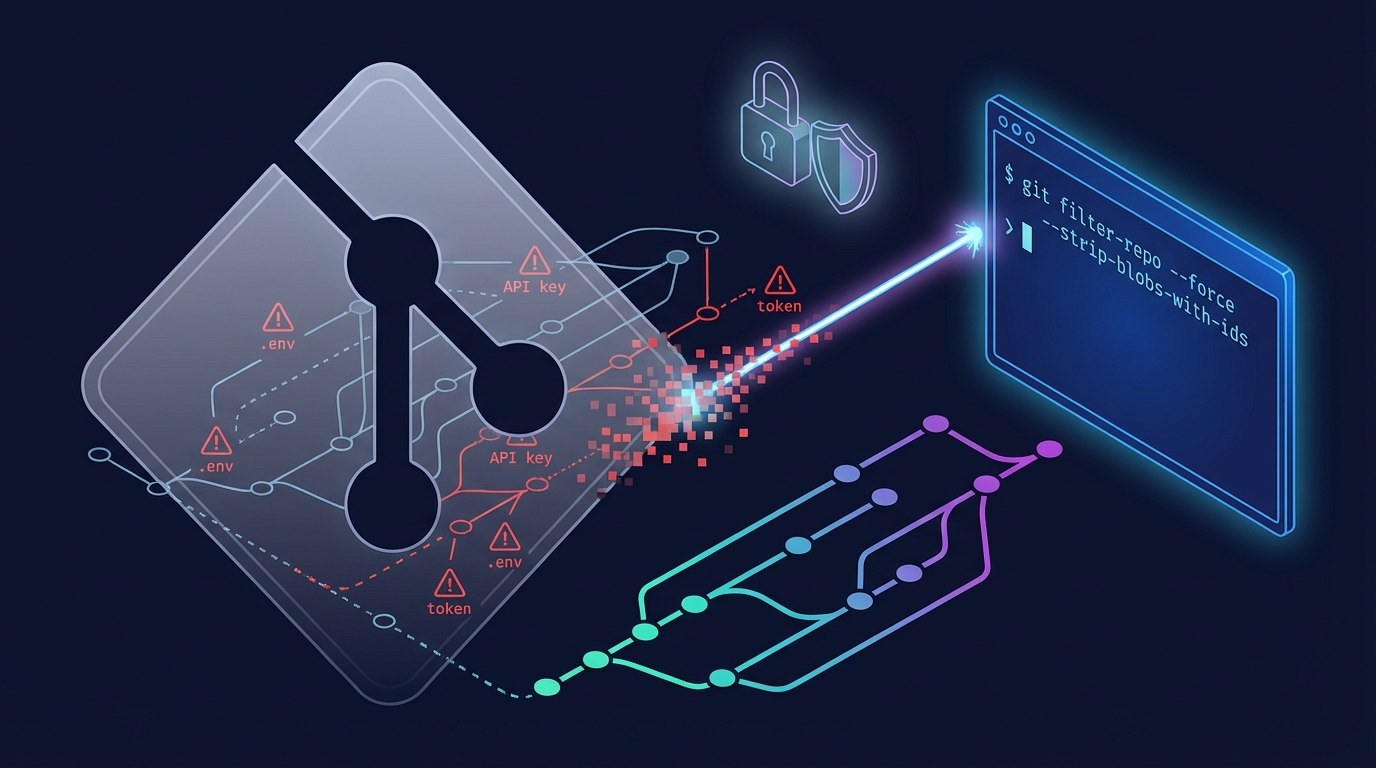
Overview
A secret is not “gone” just because you deleted the file.
Once a secret key, token, or .env file is committed, removing the file with git rm still leaves it in past commits.
To truly purge sensitive data, you must rewrite history.
git filter-repo is the tool most teams use for this job.
Process
Key idea: define what to remove and generate a new history.
git filter-repo rewrites commits according to filter rules.
In practice, you should think through the steps in this order:
⚠️ Important
- This operation rewrites history.
- Commit SHAs change.
- You usually need to force-push to update the remote.
- Secrets may already be leaked, so revoke and reissue every key or token in addition to cleaning the history.
1) Define what to delete
- File level:
.env,id_rsa,secrets.yml - Directory level:
config/keys/ - Pattern level:
*.pem,*.p12,*.key
2) Decide the rewrite scope
- Decide whether to clean every branch and tag
- Or limit the rewrite to specific branches
3) Validate the rewritten result
- Confirm that the sensitive content no longer appears anywhere in history
- Ensure branch and tag refs remain as intended
4) Plan the remote update and collaborator actions
- Force-push the new commit graph to replace the remote history
- The remote becomes a hard fork of the old graph; the previous history is no longer authoritative
- Collaborators cannot safely sync while keeping their old trees
- The rule of thumb is to reclone and move to the new tree
- If someone must retain their old working tree, they should back up their branches and realign them against the new remote
⚠️ Important
- Updating the remote assumes
git push --force.- Force-pushing overwrites existing commits on the remote.
- Collaborators must discard the old graph and sync against the new commits.
- If the team does not transition at the same time, pull/merge states will get wedged.
- GitHub and GitLab can protect branches.
- Protected branches may reject force pushes or require admin overrides.
- Review protection rules beforehand and loosen them temporarily if needed.
Example
Preparation: work from a disposable clone
Do not run the commands in your main working directory. Instead, use a mirror clone such as hans-repo.
1git clone --mirror <original-repo-url> hans-repo.git
2cd hans-repo.git
--mirrorbrings over every branch and tag ref.- Secret removal often needs a full ref cleanup instead of only a subset of branches.
1) Completely remove a file from history (most common case)
Example: remove every .env ever committed.
1git filter-repo --path .env --invert-paths
--path .envselects the target path.--invert-pathsmeans “delete this path from history.”
Example: remove a private key file.
1git filter-repo --path id_rsa --invert-paths
Example: remove an entire directory.
1git filter-repo --path config/keys/ --invert-paths
2) When you prefer pattern-based removal
If you need to act on extensions, first identify matching files and then feed their paths into the filter.
- Example: locate every
*.pem,*.p12,*.key - Based on the list, run
--path ... --invert-paths
Trying to delete patterns in one shot often wipes unintended certificates or sample assets.
3) Verification: confirm the history is clean
After filtering, make sure no trace remains across the full history.
1# Check that the path no longer appears
2git log --all --name-only -- .env
3
4# If there is no output, the history is clean.
5git log --all --name-only -- config/keys/
4) Force-push the new history and resync collaborators
Uploading the cleaned history to a fresh remote is the safest route.
If you must keep the existing remote, you need a force push.
From this point on, the remote history diverges completely from the previous graph.
1git push --force --all
2git push --force --tags
- Impact on collaborators
- Their local repositories now differ from the new remote graph
- A simple
git pullwill not reconcile the change - The recommended approach is to reclone and sync to the new tree
- If they cannot reclone, back up work-in-progress branches and realign them via rebase or cherry-pick against the new remote
Wrap-up
Why use filter-repo?
Developers used git filter-branch for the same job in the past.
However, filter-branch is slow and error-prone, so git filter-repo has effectively become the standard replacement.
| Item | git filter-branch | git filter-repo |
|---|---|---|
| Secret-removal tasks | Possible but tedious and risky | The most common real-world use case |
| Performance | Slow | Fast |
| Safe workflow | Requires lots of cleanup afterward | Streamlined process |
| Current recommendation | Legacy; avoid when possible | Recommended |