
Installing garage-webui - Manage Garage Clusters and Buckets from a Browser
Summary: Add garage-webui to Garage and manage layout, buckets, and keys from a browser. One compose service plus an htpasswd login.

Overview
Garage is a CLI-first project. Still, building a layout and wiring buckets to keys goes much faster on a screen.
Garage has no official web console, and several third-party UIs exist. This post covers the simplest of them, garage-webui.
We start from a running Garage instance and add one more service to the compose file.
Installing Garage itself and configuring it from the CLI is covered in the previous post.
Installation
Docker and Docker Compose need to be installed already. That is covered in the post below.
Adding the webui service
Add a single webui service to the compose file from the previous post. The finished file is in the repository. sample/docker/garage-webui
 1# docker-compose.yml
 2
 3services:
 4  garage:
 5    image: dxflrs/garage:v2.4.1
 6    container_name: garage
 7    restart: unless-stopped
 8    ports:
 9      - "3900:3900"     # S3 API, signed requests only
10    # - "3901:3901"     # RPC, only needed to join other nodes
11      - "3902:3902"     # static website hosting, public read
12    # - "3903:3903"     # admin API, reached by webui over the compose network
13    env_file:
14      - .env
15    volumes:
16      - ./garage.toml:/etc/garage.toml:ro
17      - ./meta:/var/lib/garage/meta
18      - ./data:/var/lib/garage/data
19
20  webui:
21    image: khairul169/garage-webui:1.1.0
22    container_name: garage-webui
23    restart: unless-stopped
24    depends_on:
25      - garage
26    ports:
27      - "3909:3909"
28    environment:
29      API_BASE_URL: "http://garage:3903"
30      S3_ENDPOINT_URL: "http://garage:3900"
31      API_ADMIN_KEY: "${GARAGE_ADMIN_TOKEN}"
32      AUTH_USER_PASS: "${AUTH_USER_PASS}"
33    volumes:
34      - ./garage.toml:/etc/garage.toml:ro
Adding a login
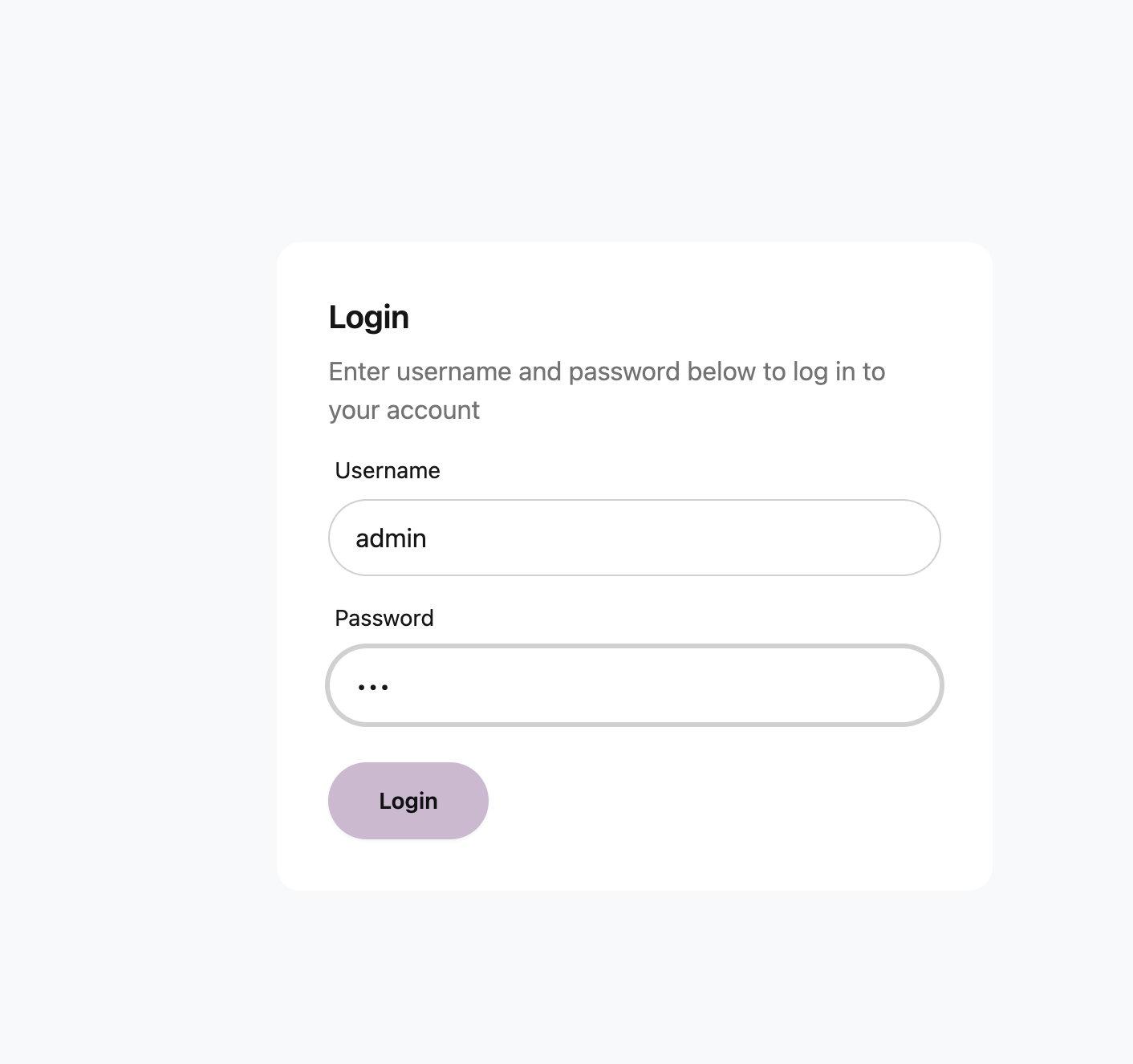
Generate an account and a password hash.
1# htpasswd -nBC 10 {id}
2htpasswd -nBC 10 admin
It prompts twice and prints account:hash on the last line. Copy that whole line.
1New password:
2Re-type new password:
3admin:$2y$10$H9W.......yn6ze54n2
Paste it into .env.
1# htpasswd -nBC 10 admin
2AUTH_USER_PASS=admin:$2y$10$H9W.......yn6ze54n2
Restarting
Environment variables are baked in when the container is created, so the container has to be recreated after a change.
1docker compose up -d --force-recreate
2
3[+] Restarting 2/2
4 ✔ Container garage-webui  Started                                                                                                                                                                                                        0.7s
5 ✔ Container garage        Started
WEB UI
Access
ex) http://192.168.0.10:3909
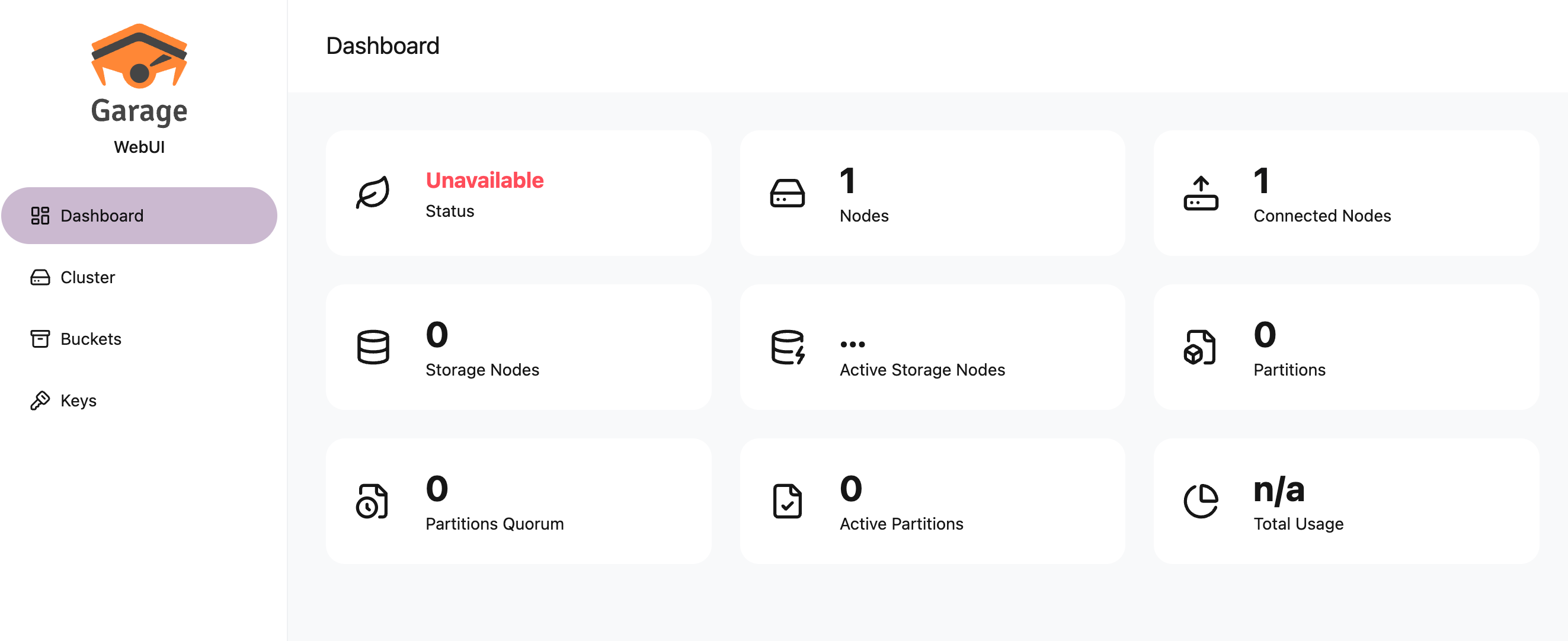
Dashboard
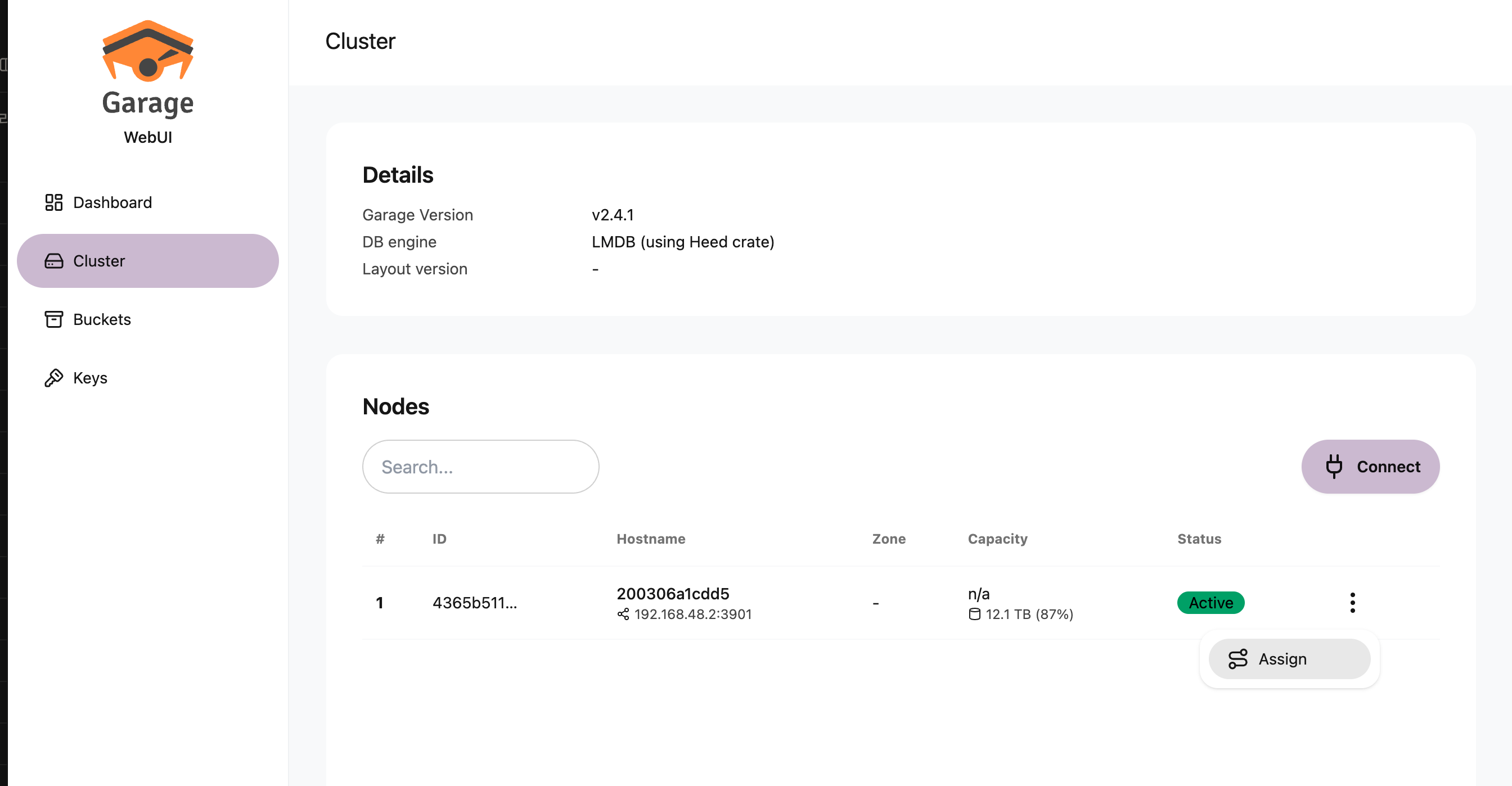
Creating the cluster
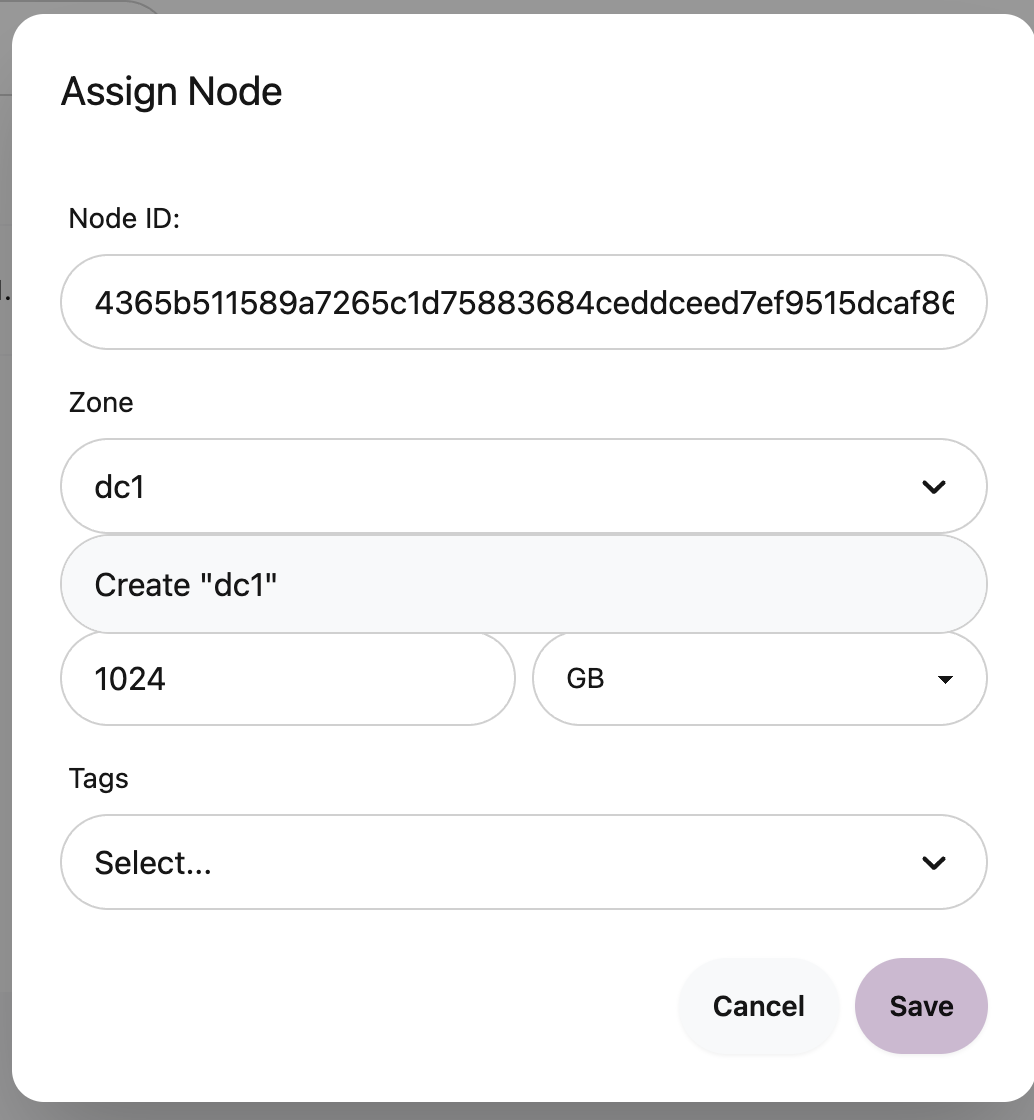
Node Assign
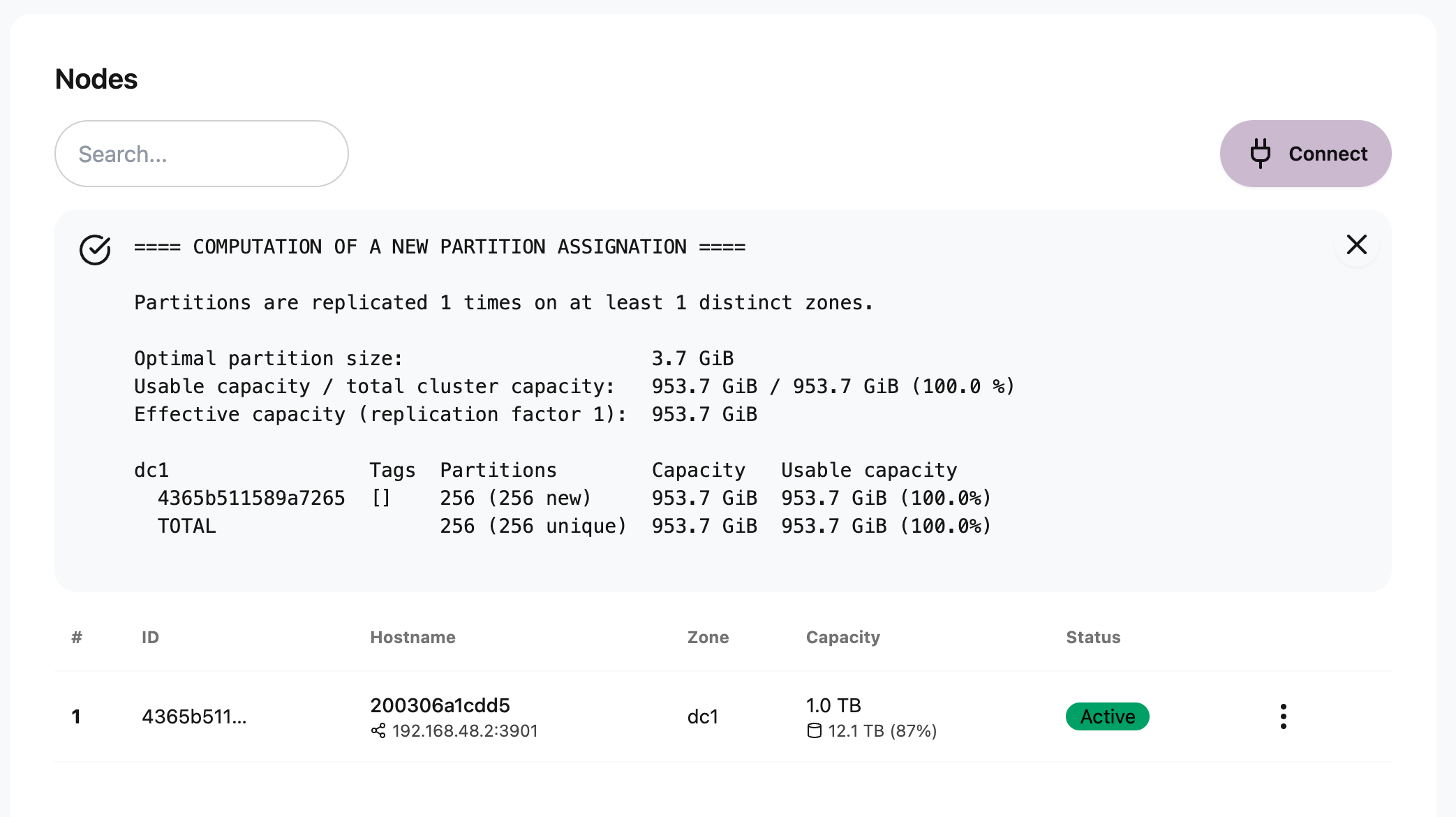
Node Apply
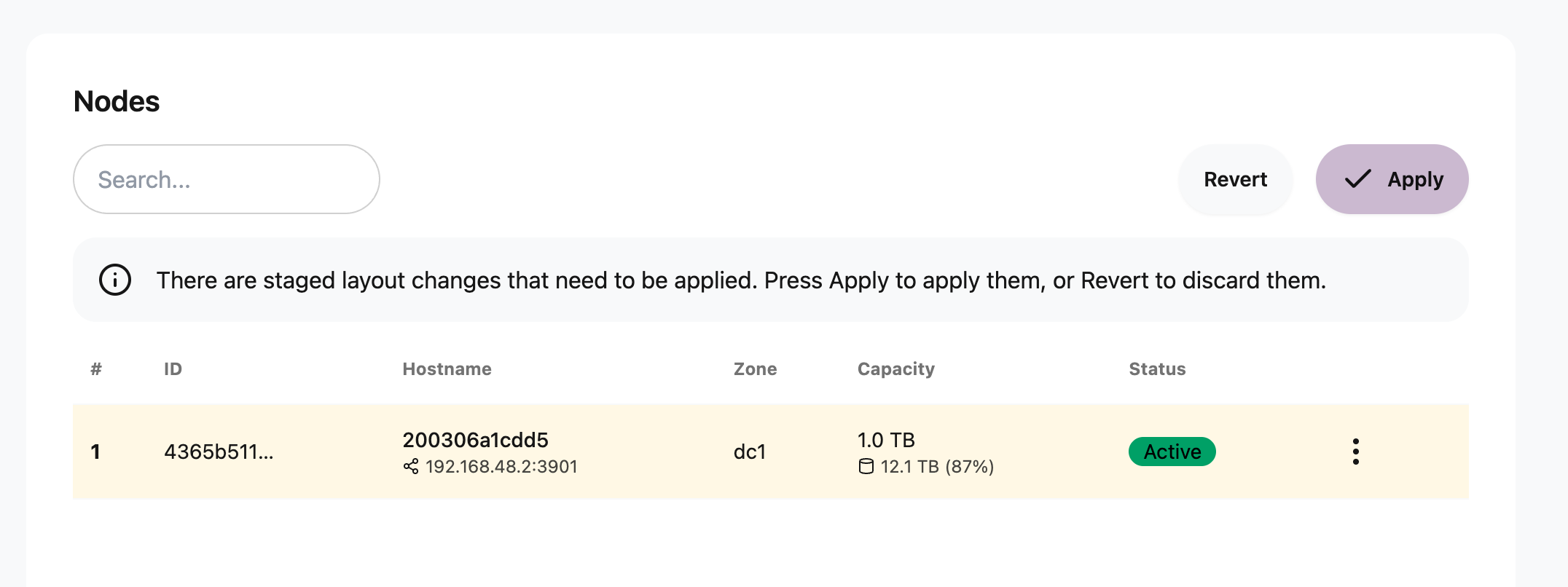
Done
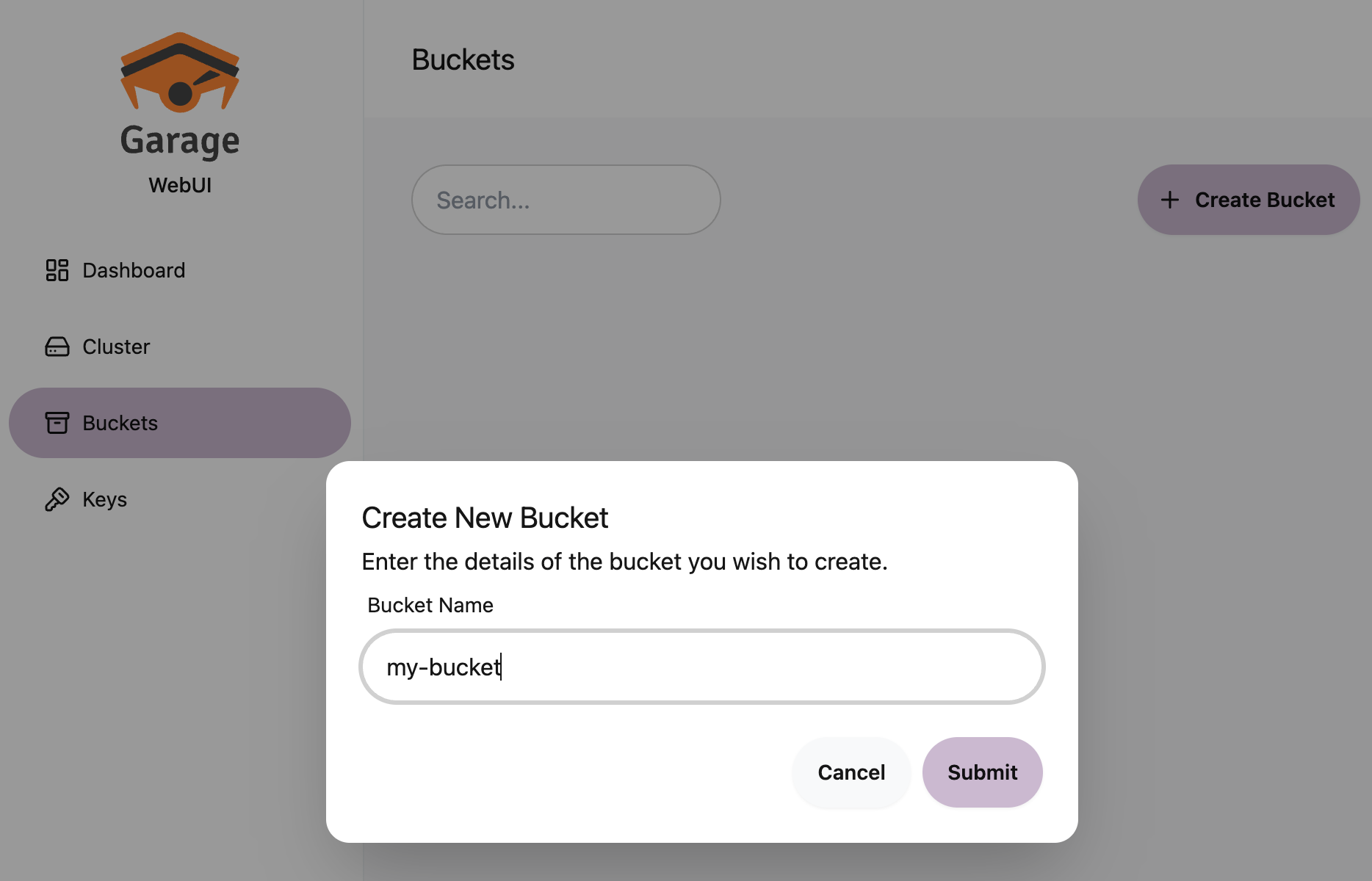
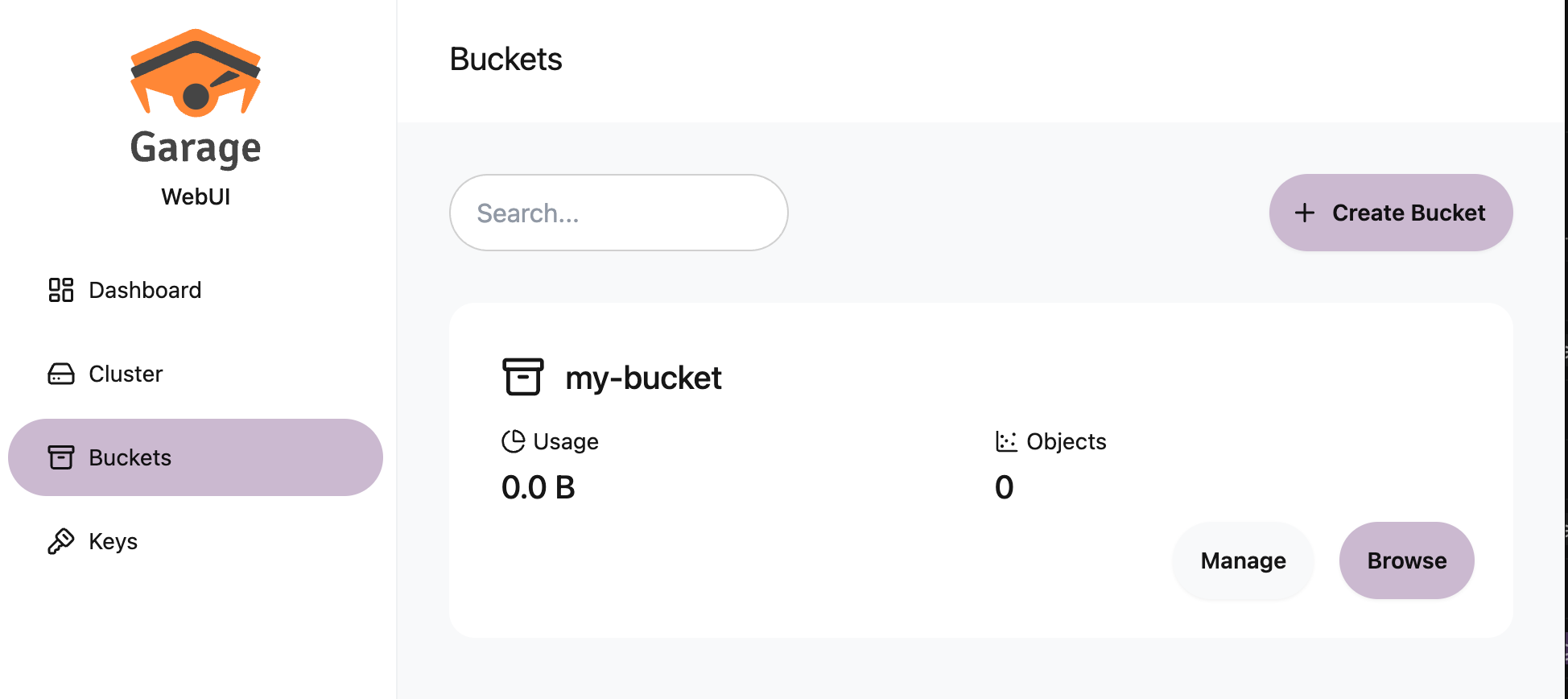
Creating a bucket
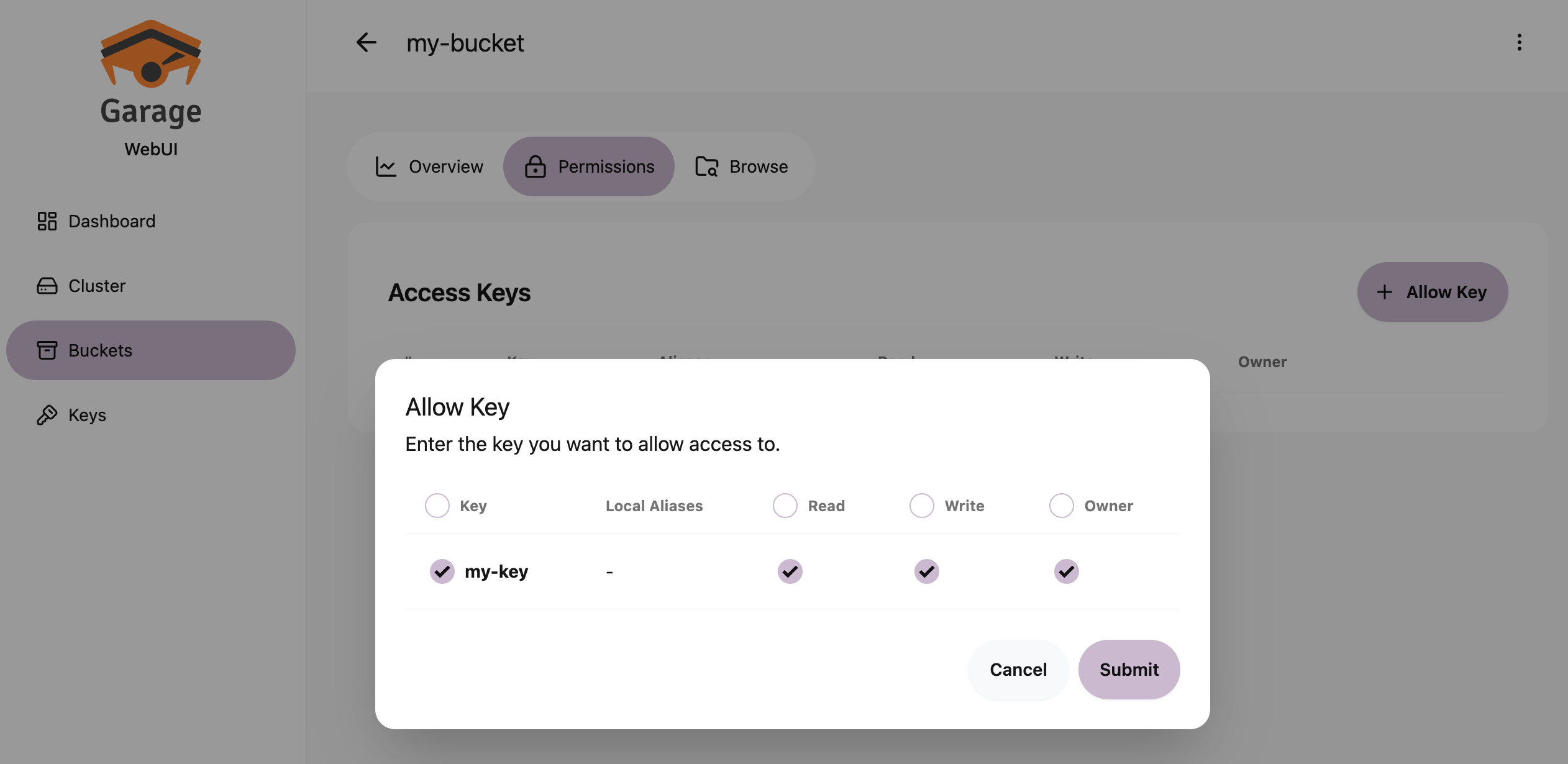
Granting access to a bucket
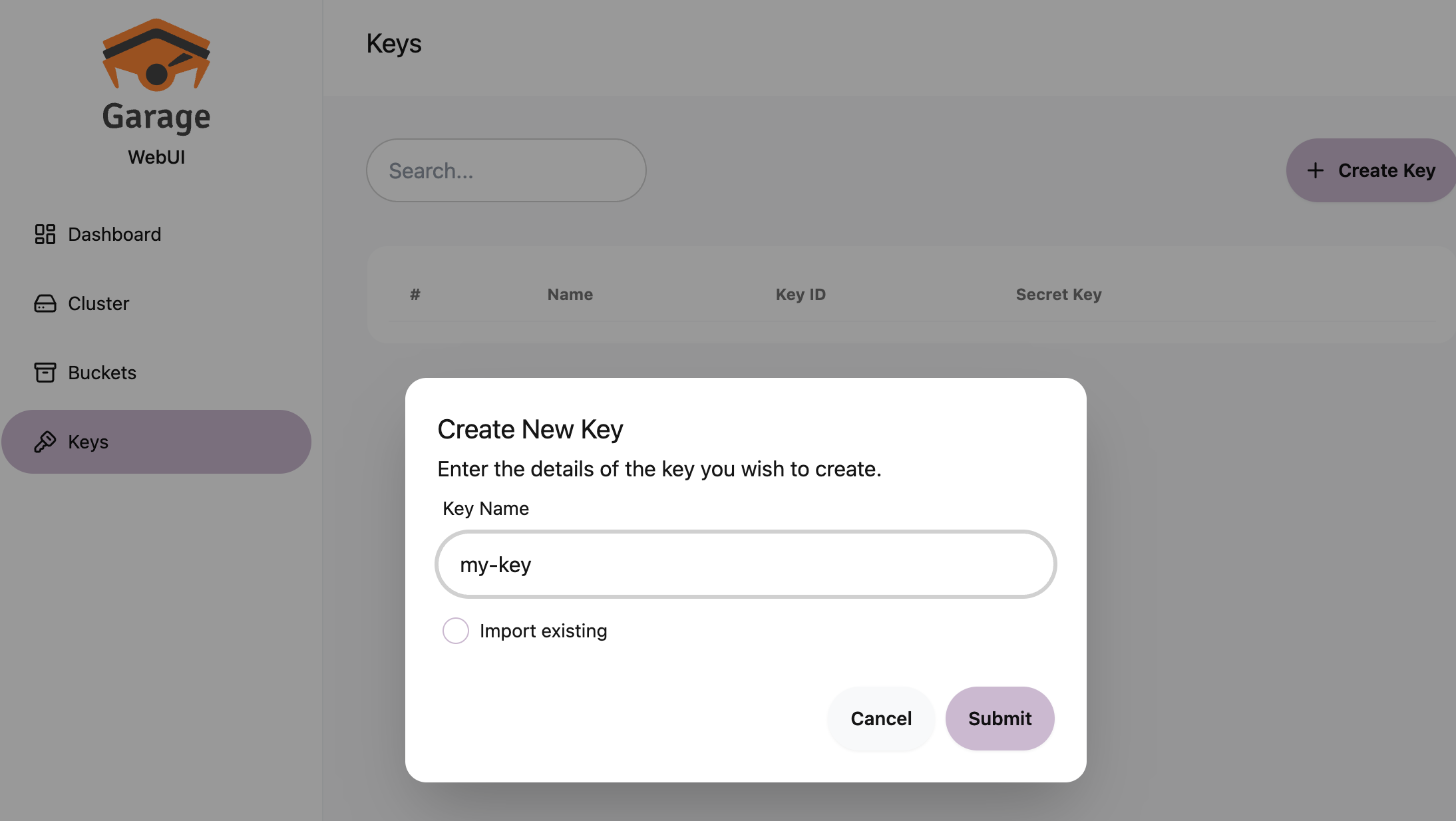
Creating a key
Moving to the bucket
Go to the Manage tab
Attach permissions
Grant the key whatever it needs under Permissions.
Extra options
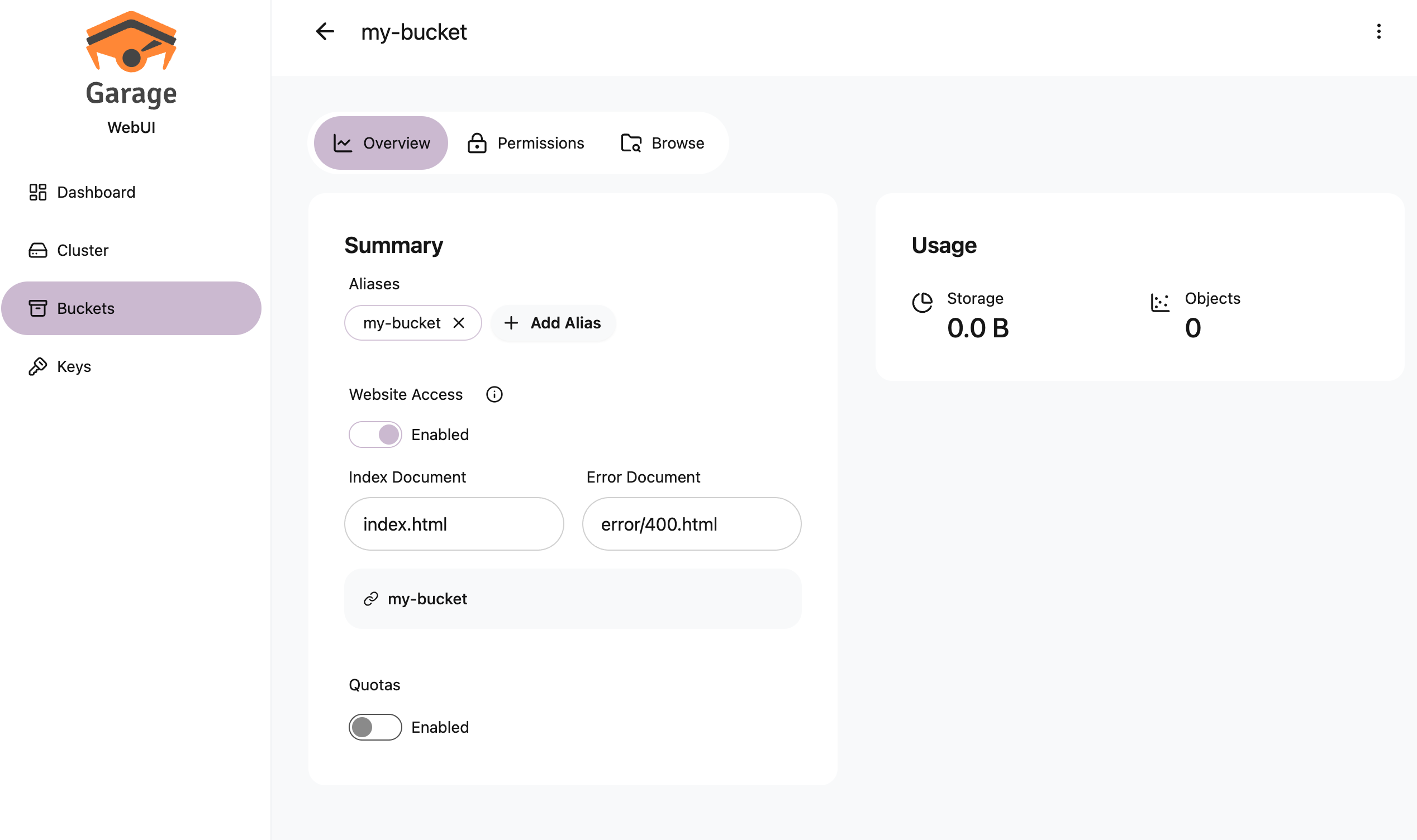
Allowing static website hosting
Turn on Website Access Enabled in the bucket settings.
Wrapping up
The same work simply moved from the terminal to a browser. Assign and Apply are still two steps, and keys and buckets are still created separately and joined by permissions.
The webui is a wrapper around the admin API, so nothing here is confusing once you know the Garage concepts. Come at it the other way, screen first, and you get stuck in ways like assigning a node and never applying the layout.
Two things are worth keeping in mind. This is a third-party console rather than an official one, so its release cycle is not tied to Garage itself.
And authentication is off by default. Without AUTH_USER_PASS, anyone who can reach port 3909 is an administrator. There is no reason to leave that open even on an internal network.
Changing the password means generating a new hash and recreating the container. In production it is easier to move authentication to a reverse proxy in front, or to stop publishing the port entirely and reach it only over a VPN.